

Home & Dashboards

Everyone opens the app to their own work

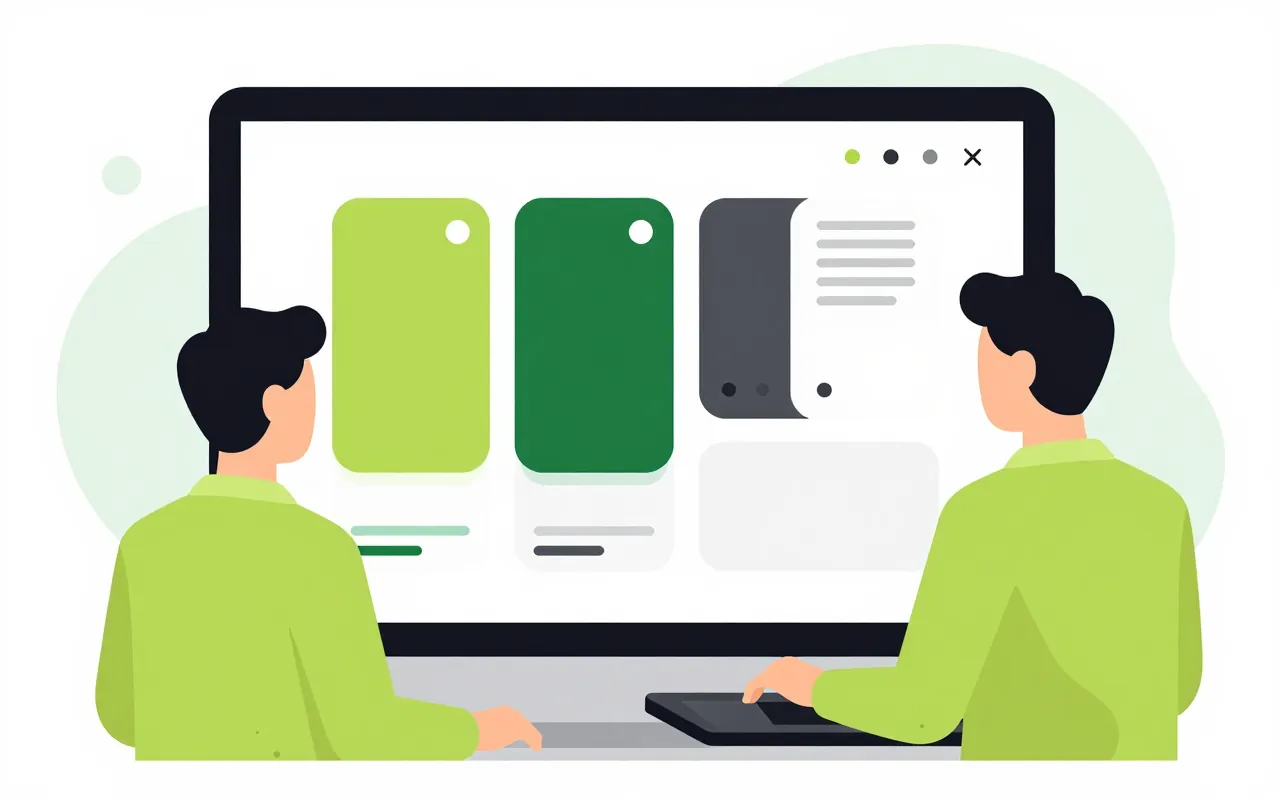
The director sees revenue and headcount, the accountant sees receivables, and a new hire sees assigned tasks and meetings. Admins prepare home pages by role, department or position. People can still rearrange their own page, and a template update never wipes their changes.

  • Default home page per role
  • Widgets from every module
  • Only data the viewer may see

A ready-made home page for each role

Admins build home page templates and target them at roles, departments, positions or groups. A newly hired chief accountant signs in for the first time and already sees receivables and pending approvals, with no setup. Before rolling a template out, the admin previews it as a given audience.

  • Target templates by role, department, position
  • Preview a template as its audience
  • Template edits keep personal layouts
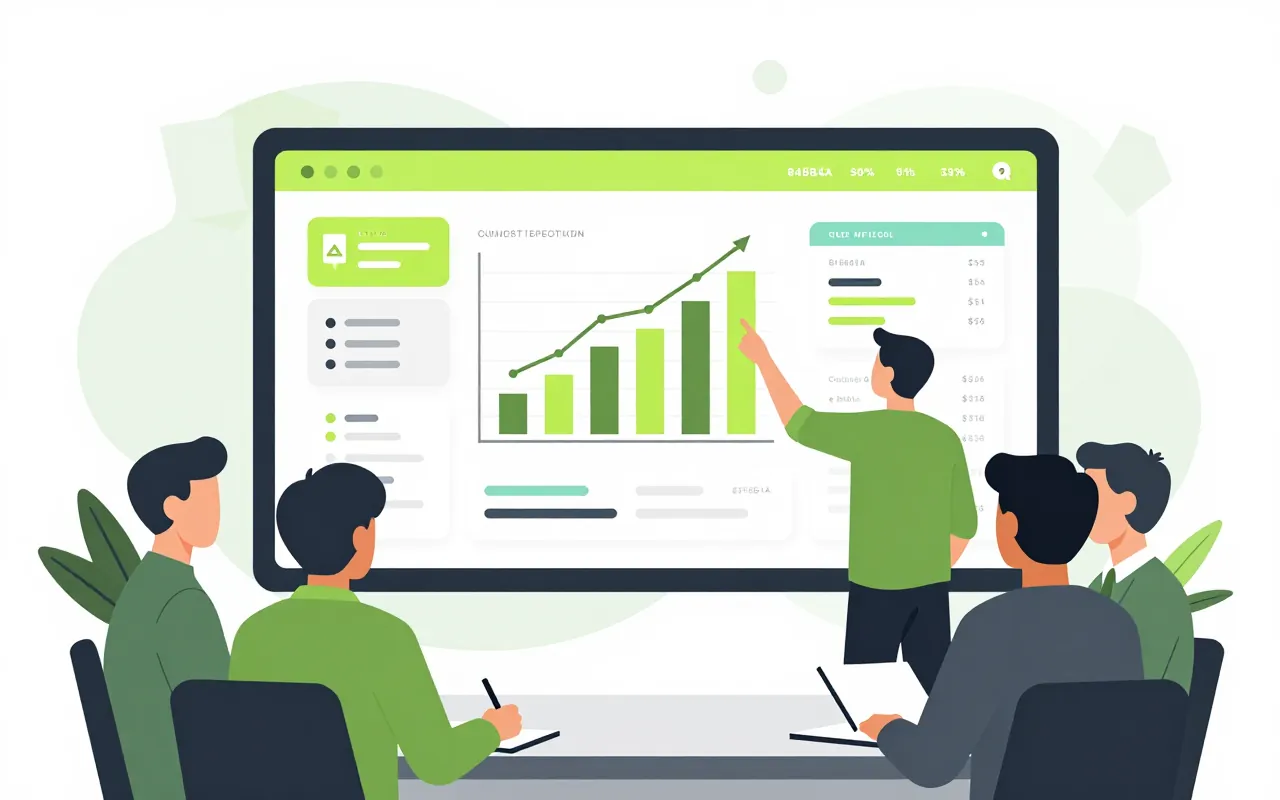
Arrange it yourself, keep several boards

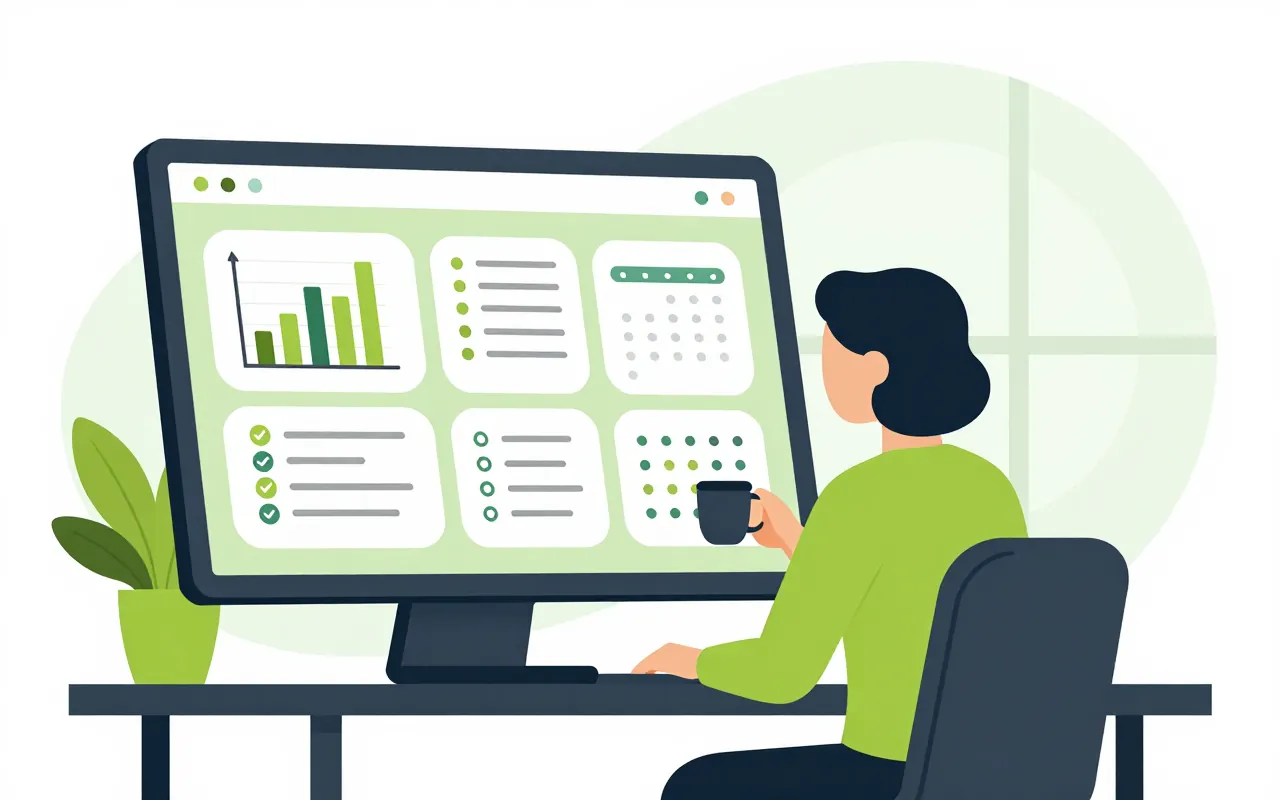
Anyone can drag, resize or hide widgets on their own home page. A sales manager might keep one board for the Monday morning meeting and another for contracts about to expire. Personal boards can be shared with colleagues as read-only.

  • Drag, resize and hide widgets
  • Several personal boards for different jobs
  • Share a board read-only

Widgets from every module, scoped to the viewer

Widgets come from HR, projects, sales, accounting and the metrics published in Reporting. Each one is computed with the permissions of whoever is looking. A department head sees their department and the director sees the whole company, from the same widget.

  • Add widgets each module provides
  • Pin Reporting metrics to your home
  • Numbers always follow viewer permissions

My tasks and presentation mode

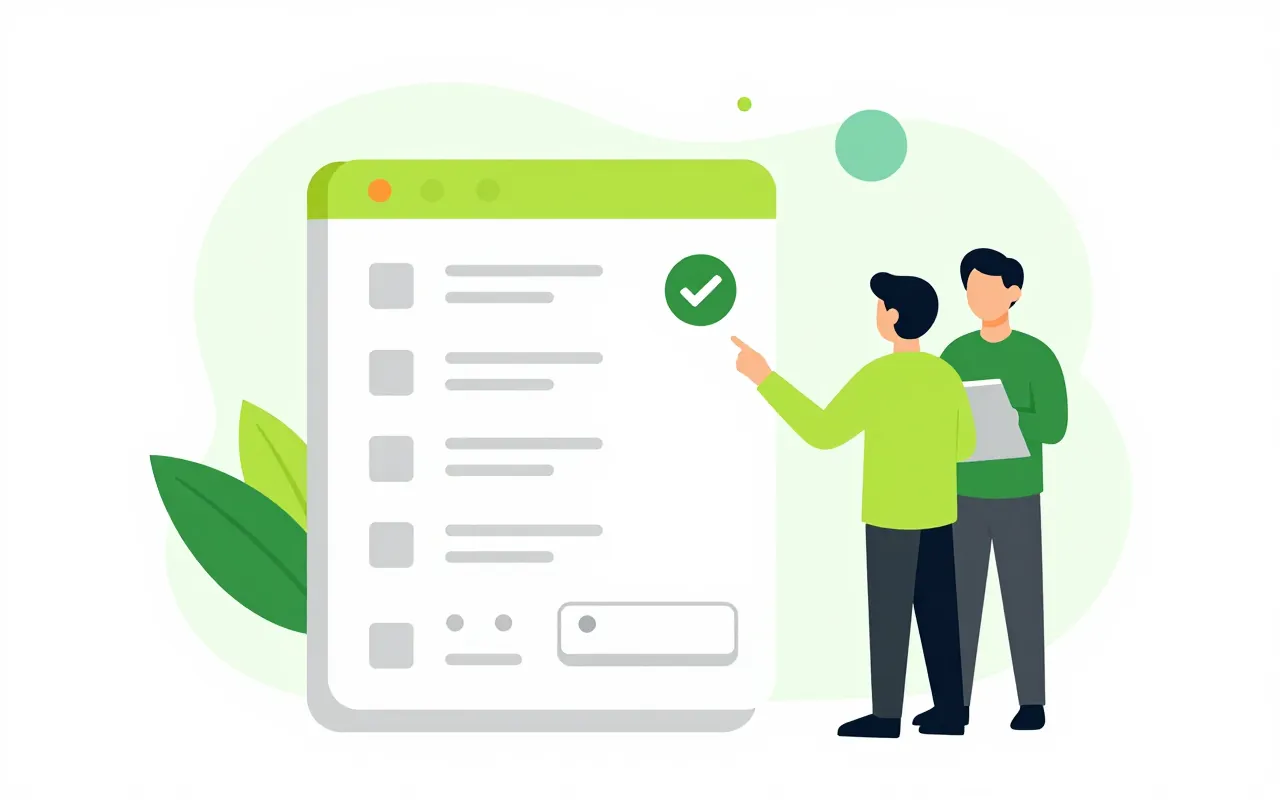
Leave requests, advance requests and contracts waiting for signature from every module sit in one list on the home page. For the weekly meeting, open a board in presentation mode on the meeting-room screen and let it refresh on its own.

  • Pending items from every module in one list
  • Full-screen presentation with auto refresh
  • Describe a board and let AI draft it
If the admin changes the template, do I lose my own layout?

No. What you added, removed or moved is stored separately. The admin's change applies to the shared template and your adjustments stay in place.

Can a widget leak another department's numbers?

Widgets are always computed with the viewer's permissions. If you cannot see another department's figures in the source module, you will not see them on the home page either.

Do widgets from modules we have not turned on show up?

No. The widget list only includes modules your company has enabled and that you may use. Turn on a module and its widgets become available.

Book a demo

Leave your details and we will call you within one working day to set a time. The demo takes about 30 minutes and focuses on the departments you care about.

  • A demo on your own processes
  • Advice on cloud or your own servers
  • A quote based on your user count

Or email us: [email protected]

Fields marked * are required.