


Projects & tasks

Assign work, track deadlines and run projects

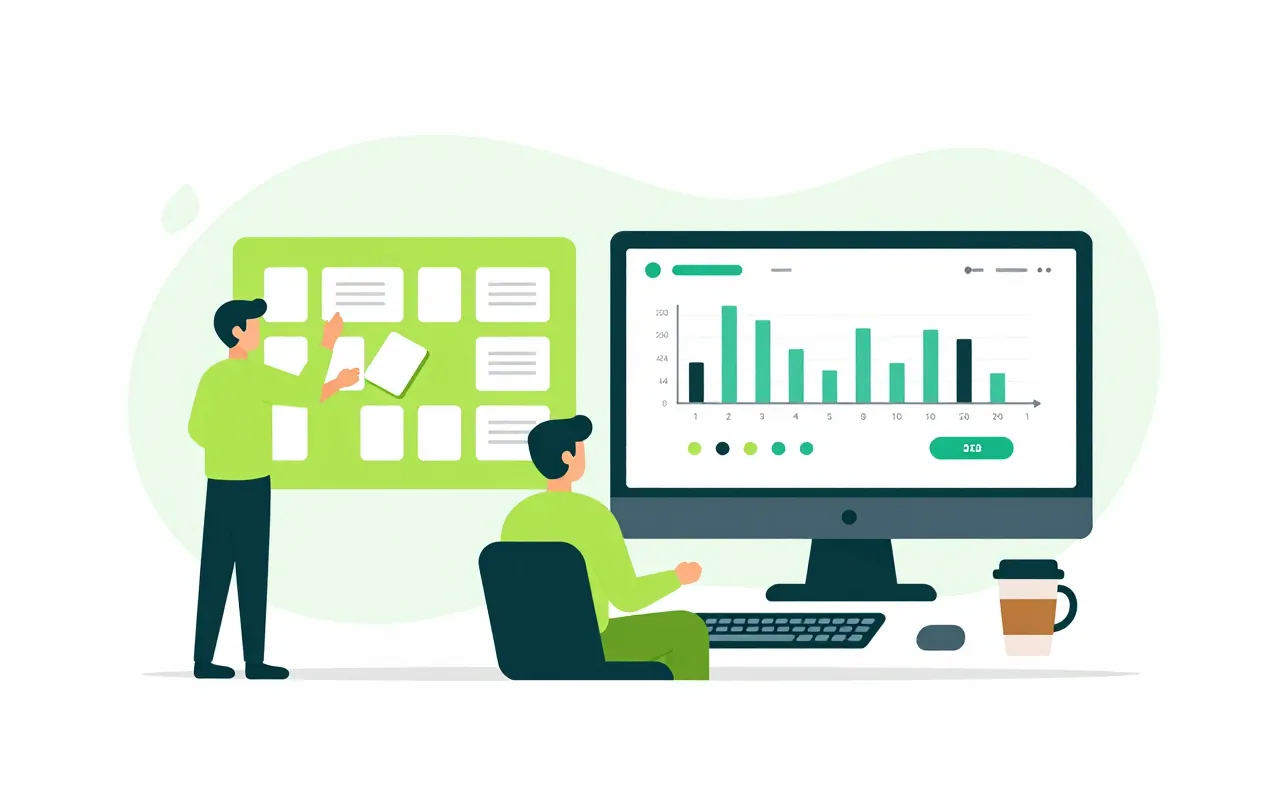
Every department gets its own space to split work into lists and look at it as a board, a calendar or a Gantt chart. Each task has one lead, contributors and watchers. Client projects add budgets, timesheets, signed acceptance and a weekly report.

  • Six views of the same task list
  • Deadlines count Vietnamese working days
  • Move in from ClickUp, Trello or Excel

One task list, many views

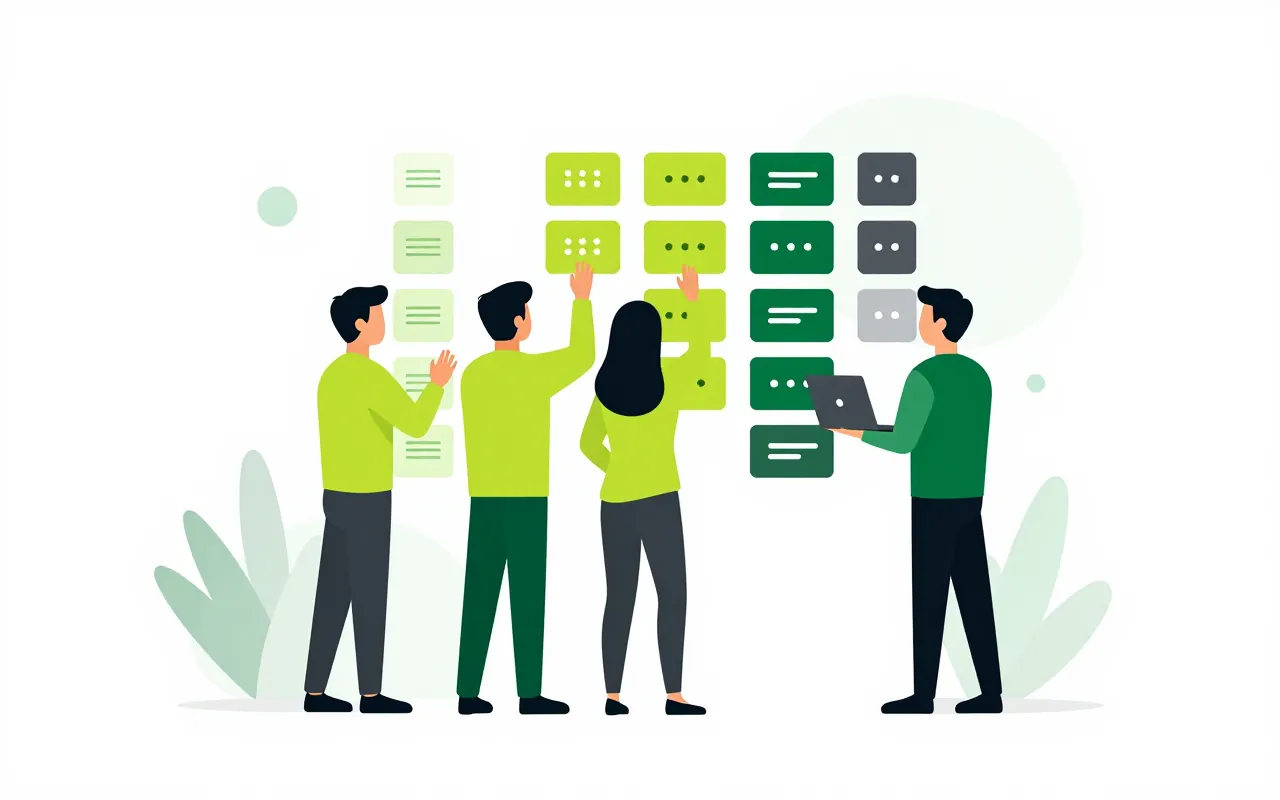
Marketing organises work into folders and lists, and each team names its own statuses. The same list opens as a board, a table, a calendar, a Gantt chart or a workload view. Saved views are shared with the whole team.

  • Everyone sees changes at the same moment
  • Gantt with dependencies that move together
  • Each space switches on only what it needs

Assigning work the way local teams do

A manager gives a task to one lead and adds contributors and watchers. The lead can accept it or send it back with a reason. Deadline changes go through a request, and tasks that need review only count as done once checked.

  • Working days and public holidays respected
  • Home shows today's work and who is waiting
  • Accept, return and review from the phone

Comments, files and time on the task

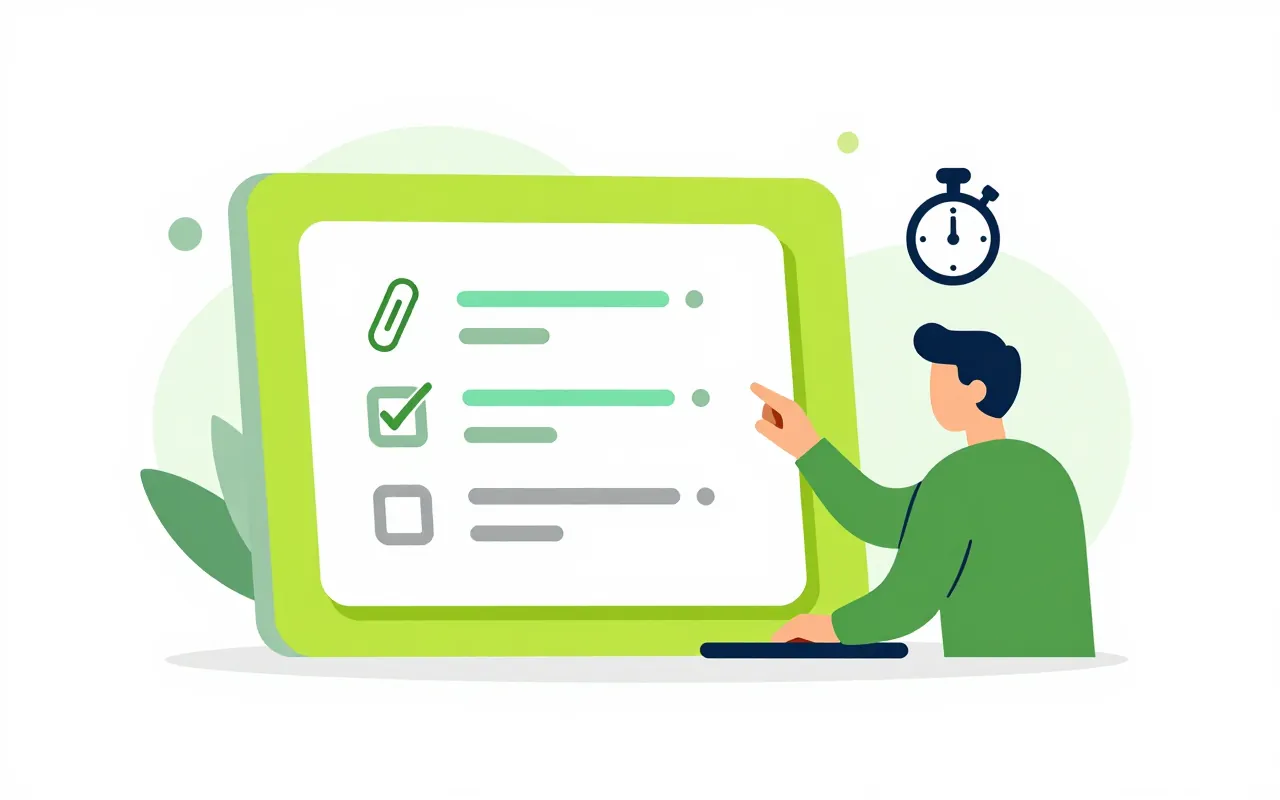
Open a task to find its comments, checklist, attachments and a timer. A chat message or meeting note can become a task, and someone approves it before it is assigned.

  • Recurring tasks and department templates
  • Automations for everyday chores
  • Daily and weekly reports drafted for you

Client projects with budgets and acceptance

Projects have phases, milestones, budgets priced from rate cards, and timesheets. Costs that are not hours count too. At a milestone, the acceptance record is signed and the invoice request follows.

  • Risks, issues and change requests
  • Backlog and sprints for agile teams
  • A weekly status report with a first draft
We use ClickUp or Trello. Will we lose anything moving over?

Export from ClickUp, Trello or a spreadsheet and import it. You preview the result and map statuses and people before anything is saved.

Our admin team does not run projects. Is it still useful?

Yes. Each department gets a space for day-to-day tasks in lists, with no project needed. Budgets and acceptance are only switched on for client projects.

Can staff log time on their phones?

Yes. The app has a weekly timesheet card, today's tasks, and accept or review actions in the My Tasks inbox.

Book a demo

Leave your details and we will call you within one working day to set a time. The demo takes about 30 minutes and focuses on the departments you care about.

  • A demo on your own processes
  • Advice on cloud or your own servers
  • A quote based on your user count

Or email us: [email protected]

Fields marked * are required.