


Documents

One place for company files, with clear rules on who sees what

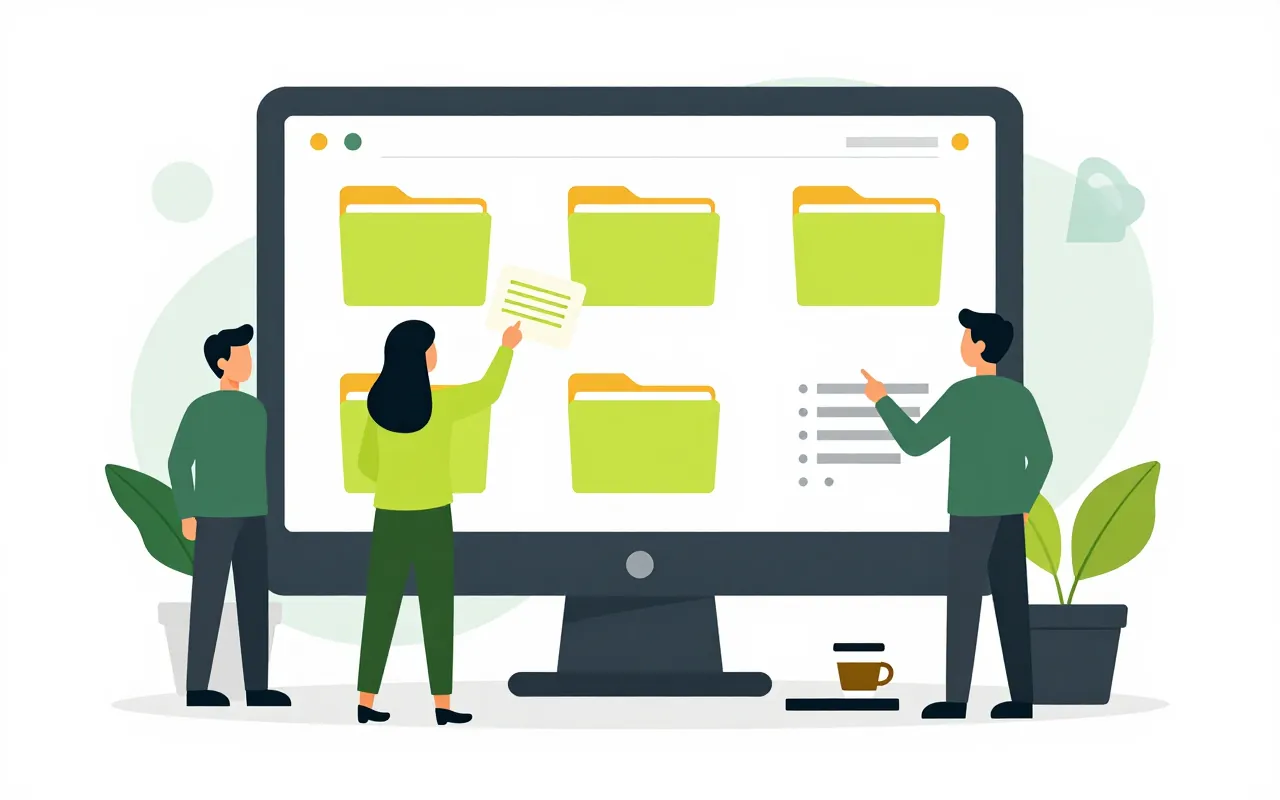
Contracts, quotes and meeting minutes stop living on individual laptops and in chat groups. People upload to a shared library, access is granted by person, department or role, and anyone can find a file again from a few words inside it. Word, Excel and PowerPoint files open in the browser, and several people can edit at once.

  • Edit Word, Excel, PowerPoint in the browser
  • Search inside files, accents optional
  • Every earlier version kept

Edit Office files in the browser, together

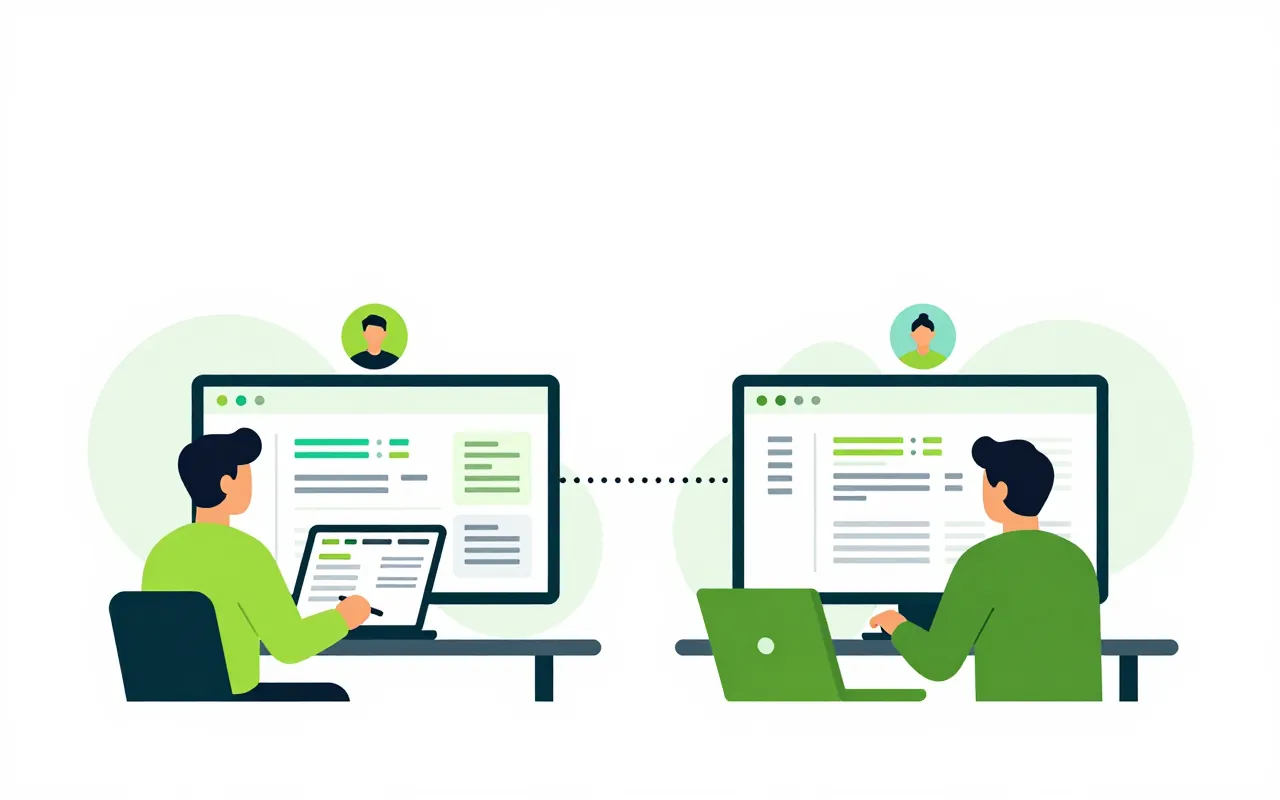
The sales team works on one Excel quote instead of mailing copies back and forth. Everyone editing shows up as an avatar, and changes appear for the others straight away. When the session closes, the file is saved as one new version that lists who changed it.

  • Open .docx, .xlsx, .pptx without installing Office
  • Create a blank Word, Excel or PowerPoint file in a folder
  • No one can overwrite a file while it is being edited

Find a file from a few words

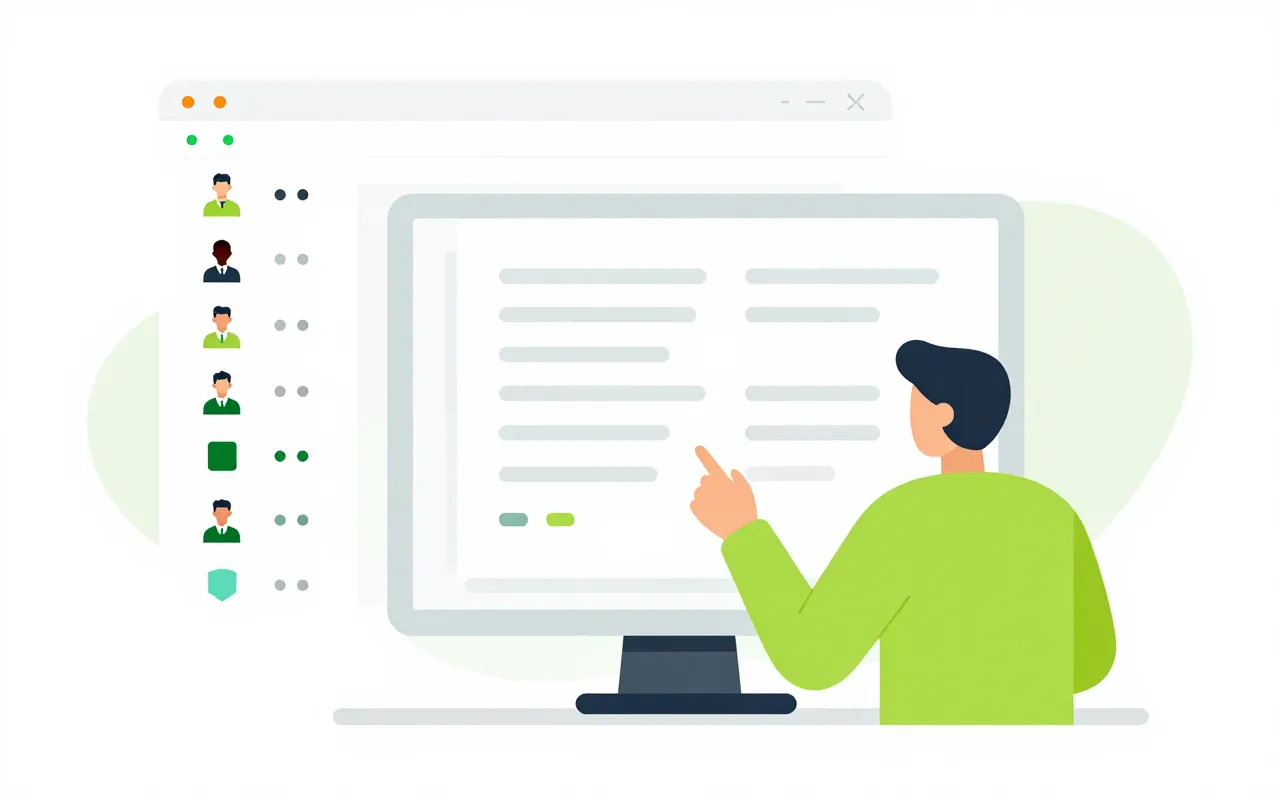
An accountant needs last month's acceptance record but has forgotten the file name. Typing the words without Vietnamese accents still finds it, with the matching passage highlighted. Filters for author, folder, tag and date narrow the list, and results only include files the person may open.

  • Searches file content, with or without accents
  • Title suggestions while you type
  • Filter by file type, author, tag, date

Share with the right people, partners included

Grant view or edit rights to a person, a department or a whole folder, and subfolders follow. To send a set of papers to a partner, create a link with a password, an expiry date and a download limit. Revoke it when the job is done and the link stops working.

  • Permissions by person, department, role
  • Links with password, expiry and download cap
  • Confidential files cannot get a public link

Sensitive files stay readable but hard to take out

Payroll files or sensitive contracts carry a classification. Someone with view-only rights reads page images stamped with their name, IP address and the time, and cannot download the original. Every view, download, print and link use goes into the access log.

  • Four levels from public to restricted
  • Page images stamped with the viewer
  • A log of who opened or downloaded what
Do we need Microsoft Office installed to edit files?

No. Word, Excel and PowerPoint files open and edit in a desktop browser. Phones can view them, and editing is meant for computers. Online editing is an add-on the company switches on when it needs it.

What if someone deletes a file by mistake?

Deleted files go to the recycle bin and can be restored within the period the company sets. If the content was changed by mistake, open the version history and restore an earlier version.

Can scanned documents be searched by their content?

Search currently reads the text already inside a file, such as Word, Excel or a PDF exported from a computer. A scan that is only an image is found by its name, tags and description.

Book a demo

Leave your details and we will call you within one working day to set a time. The demo takes about 30 minutes and focuses on the departments you care about.

  • A demo on your own processes
  • Advice on cloud or your own servers
  • A quote based on your user count

Or email us: [email protected]

Fields marked * are required.