
Digital signing

Digital signatures for the whole company, one letter or a few hundred

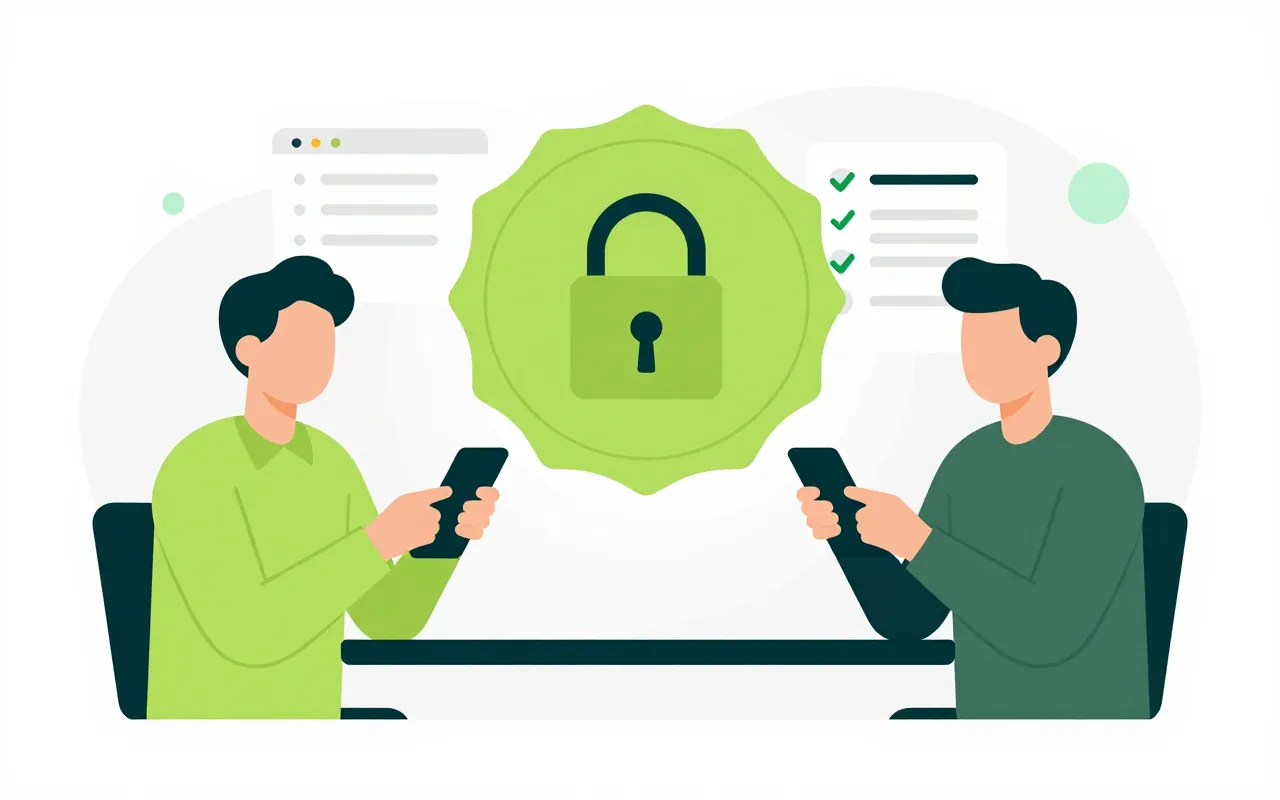
Contracts, correspondence, payroll and training all sign through the same signing gateway. Each person links their own certificate once, and the company's digital seal follows rules the company sets. Digitally signed files that arrive from outside can be checked in the system too.

  • Batch signing with one approval
  • Company seal used under set rules
  • Signatures checked on incoming files

Sign a few hundred files with one approval

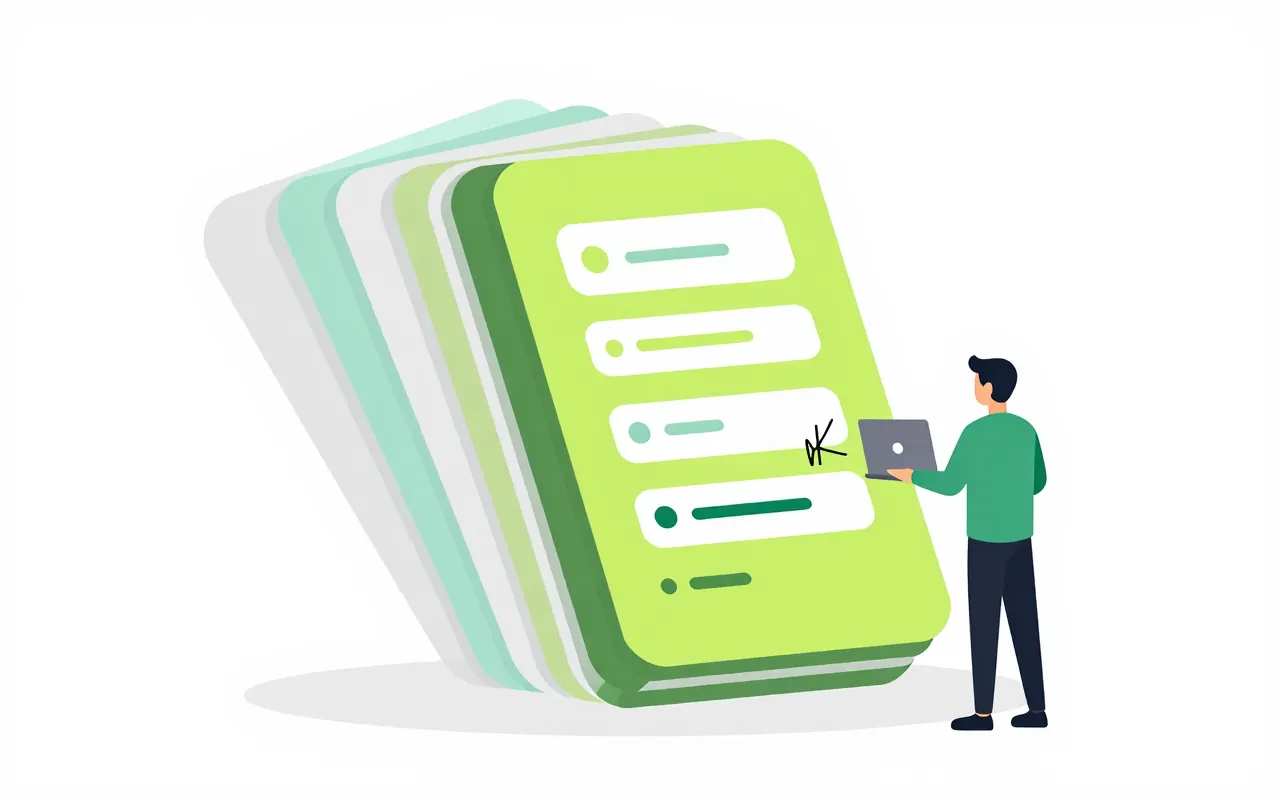
At month end HR has 300 payslips to sign. Instead of opening each file, the signer reviews the list, approves once and the system signs them one after another. Any file that fails is reported on its own while the rest are completed.

  • One request, many files, one approval
  • Progress shown for each batch
  • PAdES signatures on PDF, XML signing too
Each person's own certificate

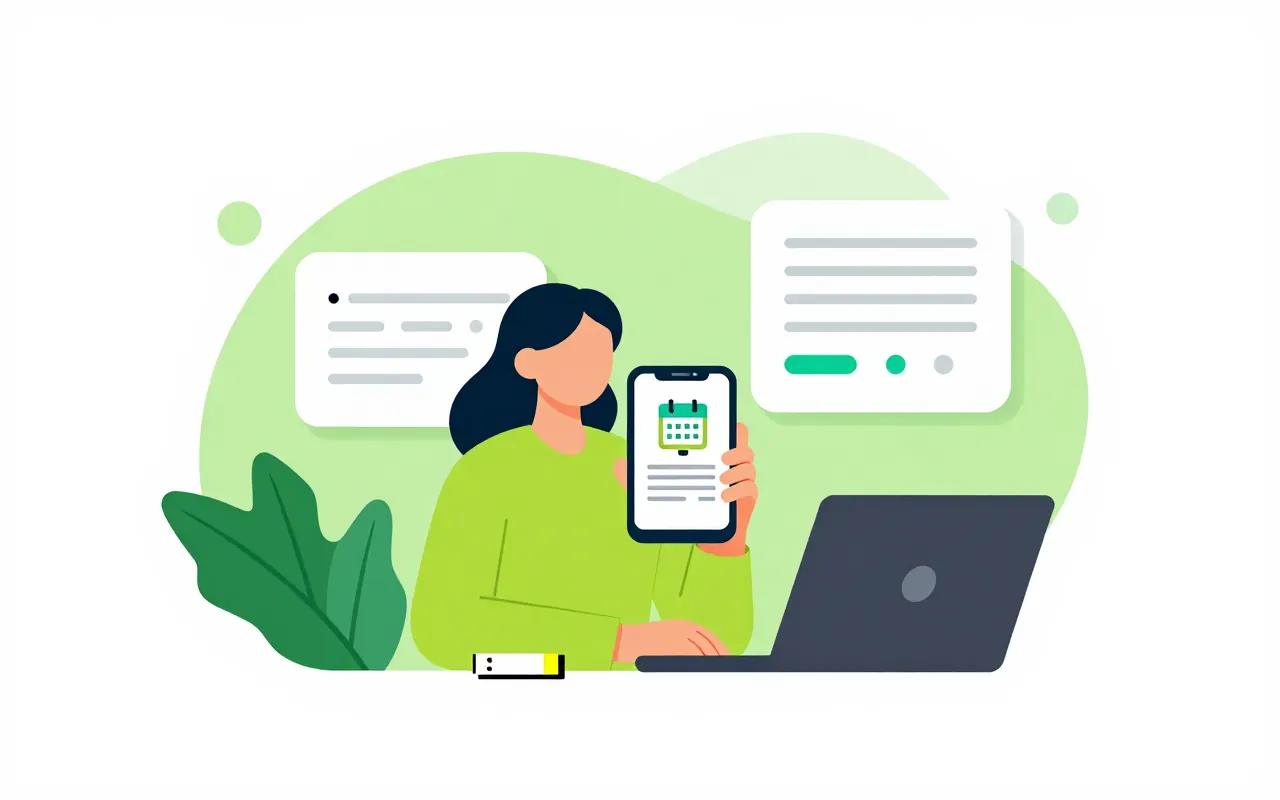
People link their personal certificate to their account once, and the system checks its chain and expiry date. Reminders arrive 30 days, 7 days and 1 day before it expires. Before every signature the certificate is checked for revocation.

  • Renewal reminders at 30, 7 and 1 days
  • Revocation checked before signing
  • Remote signing or a USB token

A company seal with a keeper and rules

The organisation's digital seal can only be used for permitted document types and within a set quota. A batch that needs the seal can require two people to approve. Every use is recorded with who asked and who approved.

  • Limits by document type and count
  • Two approvers when required
  • A log of every seal use

Know whether an incoming file is valid

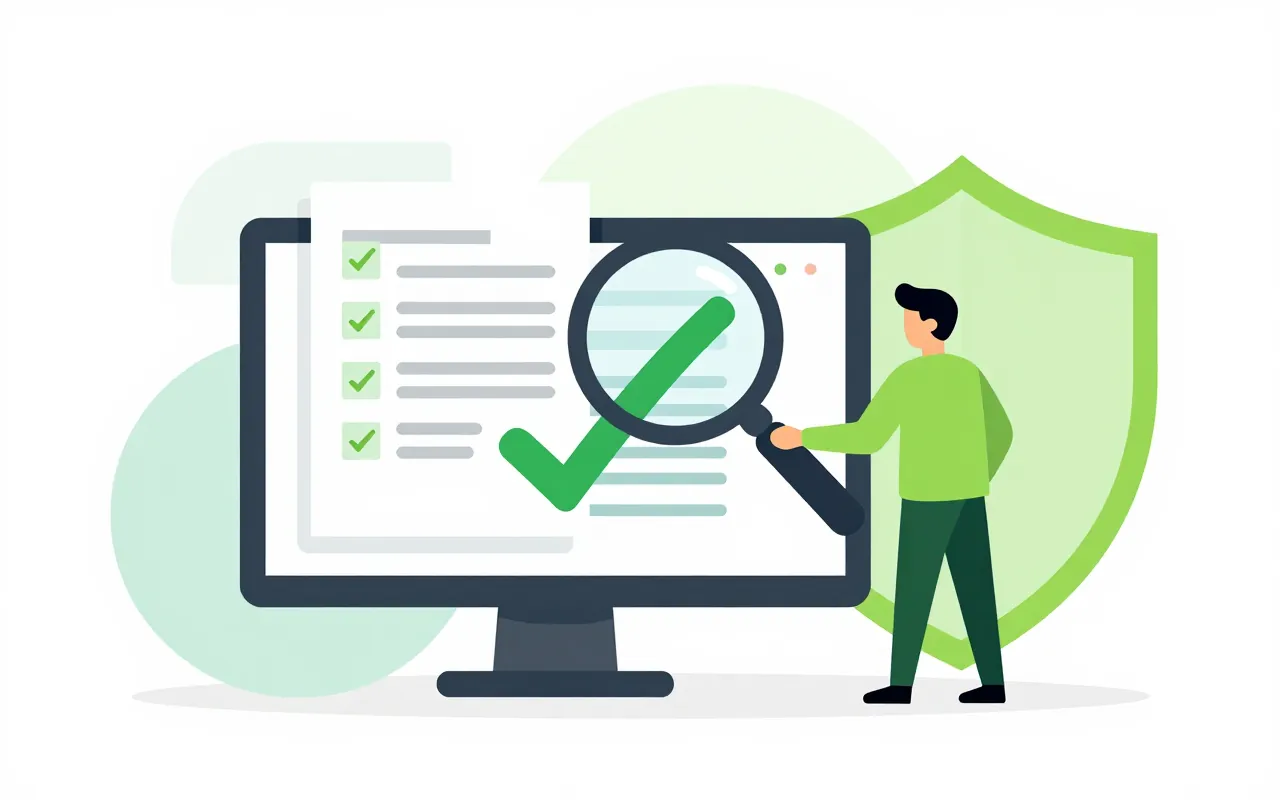
A partner sends a signed contract and the clerk uploads it to get a validation report showing who signed, whether the certificate was valid and whether the content changed after signing. Signatures carry a timestamp, so they can still be checked after the certificate expires.

  • A report for each signature
  • Detects changes made after signing
  • Timestamps added to signatures
We already use digital signatures from another provider. Can we keep them?

The gateway has connectors for remote signing and USB tokens following the standards of Vietnamese providers. Connecting to your specific provider is done during rollout, and we confirm the details for your provider in the demo.

Which apps use digital signing?

E-contracts, correspondence, documents, payroll and training all sign through this gateway. People sign from the screen they already use in each app, with no extra software to open.

Can people sign on a phone?

With remote signing, the signer confirms on their phone. Batches that need the company seal also appear in the app inbox for the person allowed to approve them.

Book a demo

Leave your details and we will call you within one working day to set a time. The demo takes about 30 minutes and focuses on the departments you care about.

  • A demo on your own processes
  • Advice on cloud or your own servers
  • A quote based on your user count

Or email us: [email protected]

Fields marked * are required.