




Help from Ziro

Report a problem from the screen where it happened

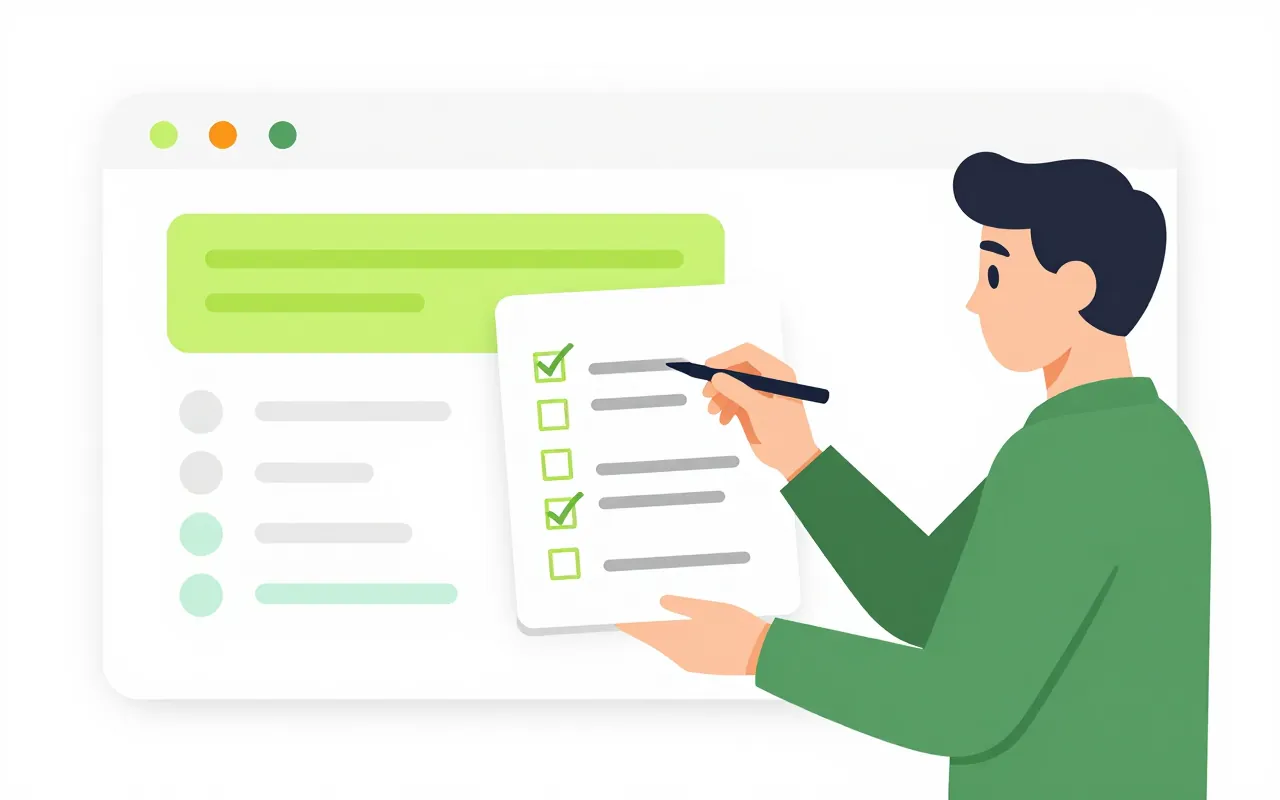
When your staff hit a problem, they open Help and report it right there. The ticket carries the technical details support needs, and the reporter can review and remove any of them first. Ziro's support team works to the deadlines in your support plan, and looks at company data only with your administrator's permission.

  • Screenshots with personal data blurred
  • Deadlines counted in working hours
  • Ziro sees your data only with permission

Report a problem in a minute

Thao gets an error while saving a payslip. She presses Report a problem on this screen, types one sentence and says whether it affects only her, her department or the whole company. The screenshot already has personal fields blurred, and she can blur more.

  • Review and untick the technical details sent
  • A ticket number at once, work carries on
  • Follow your own tickets and the company's
Ziro asks before looking at your data

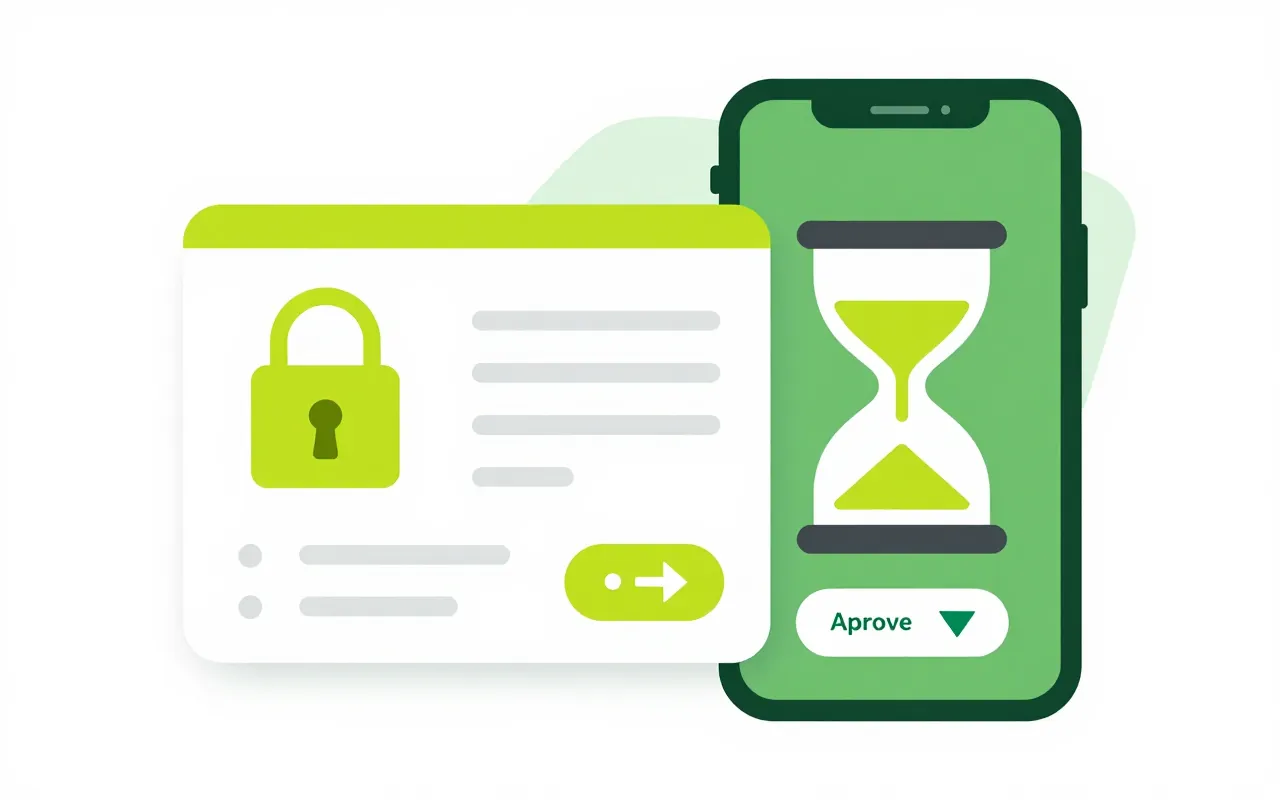
To find the cause, a support agent needs to see a payroll run. They send a request with a reason and a four-hour window. Your administrator approves it on the phone, and every view shows on the ticket and in your company's audit trail.

  • Access closes by itself
  • Your administrator can revoke it at any time
  • No ticket, no access

Updates on Zalo, clear deadlines

People who link their Zalo account get a message when their ticket is answered and can reply from Zalo. Response deadlines count working hours and Vietnamese public holidays, following the support plan your company chose.

  • Link Zalo with a one-time code, unlink any time
  • Deadlines skip weekends and Tet
  • One update reaches every company hit by an incident

Find the answer yourself first

A new starter does not know how to request leave. The help centre has guides by app and by role, searchable in Vietnamese. If the answer is not there, they open a ticket from that same page.

  • Guides by app and by role
  • Quick-start articles for new users
  • Open a ticket straight from a guide
Is this for looking after my own company's customers?

No. It is how your staff get help from Ziro while using the software. To manage your own customers, use the CRM app.

What technical details go with a ticket?

The current screen, the app version, the latest requests with their result codes and the latest browser errors. The reporter can untick any item before sending.

Can Ziro's support staff look at our data on their own?

No. They must send a request tied to a ticket, your administrator approves it, and access closes when the window ends. Every view is written to your company's audit trail.

Book a demo

Leave your details and we will call you within one working day to set a time. The demo takes about 30 minutes and focuses on the departments you care about.

  • A demo on your own processes
  • Advice on cloud or your own servers
  • A quote based on your user count

Or email us: [email protected]

Fields marked * are required.