


Audit & History

Every action on a record is logged and can be traced

A contract price edited, a payroll line adjusted, a confidential file downloaded: who did it, when, and the old and new values are all in the trail. Events are numbered and linked to each other, so an edited or deleted line shows up on verification. Reviewers search in near-natural sentences and get alerts on sensitive actions.

  • A History button on every record
  • Edited trail lines are detectable
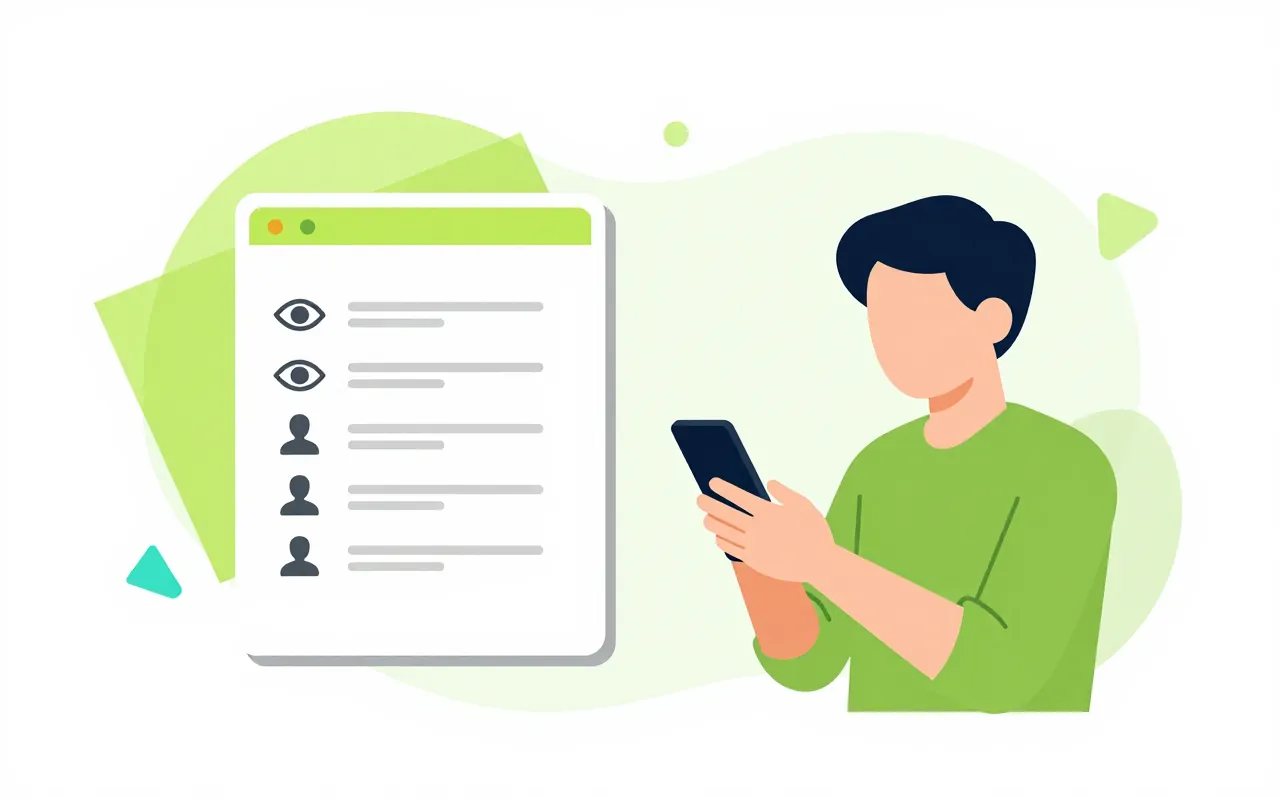
  • Staff see who viewed their file

History on every record

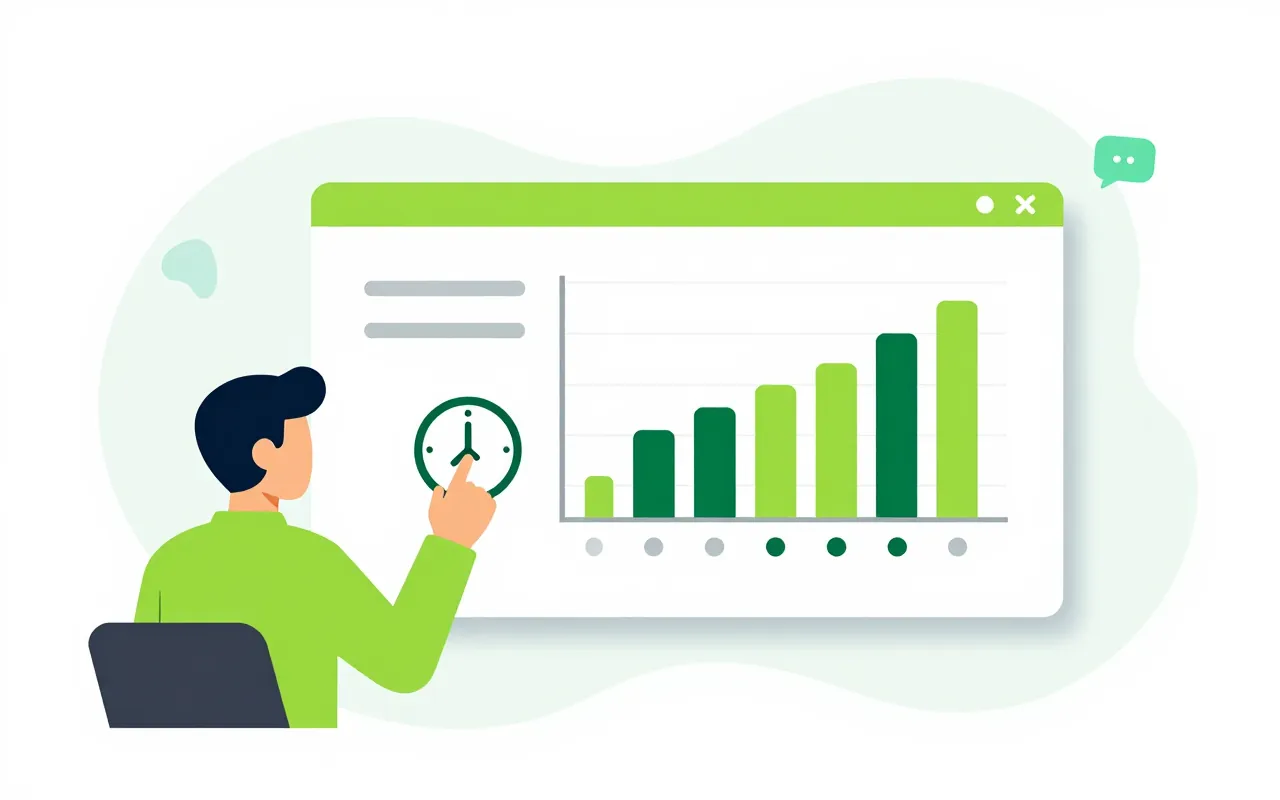
Contracts, employee files, deals and assets all carry a History button. Click it to see who edited, viewed, signed, shared or exported the record, and each field's old and new value. Anyone who may see the record may see its history, with no separate audit permission.

  • Before and after for each field
  • Filter by edit, view, sign, share, export
  • Available across most modules

Company-wide search, ask in words

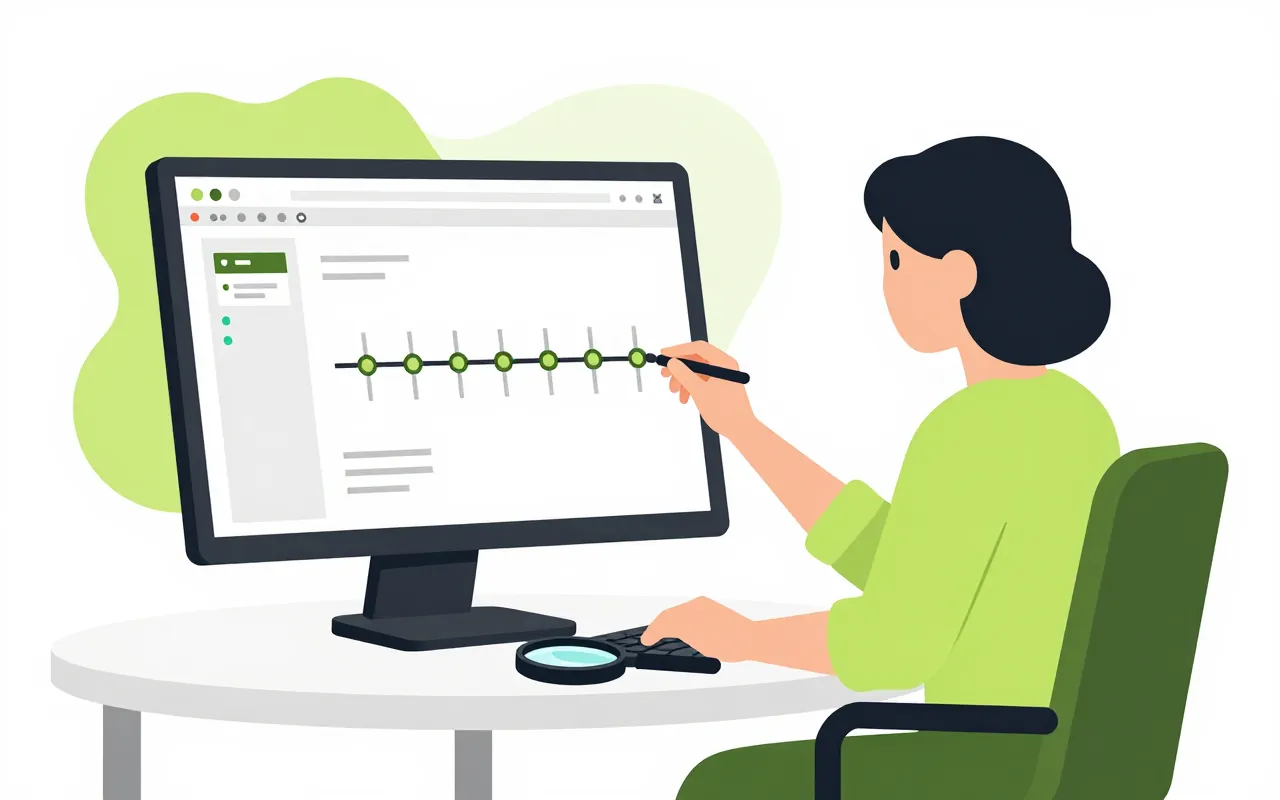
An auditor types who deleted documents last week. The question becomes a filter the auditor reviews before pressing Search. Results read as plain sentences and can be saved as views shared with the audit team. Sensitive values such as salaries are masked, and every reveal is logged.

  • Filter by person, module, action, time
  • Salaries and ID numbers masked by default
  • Save views and set alerts from one filter

Prove the trail was not rewritten

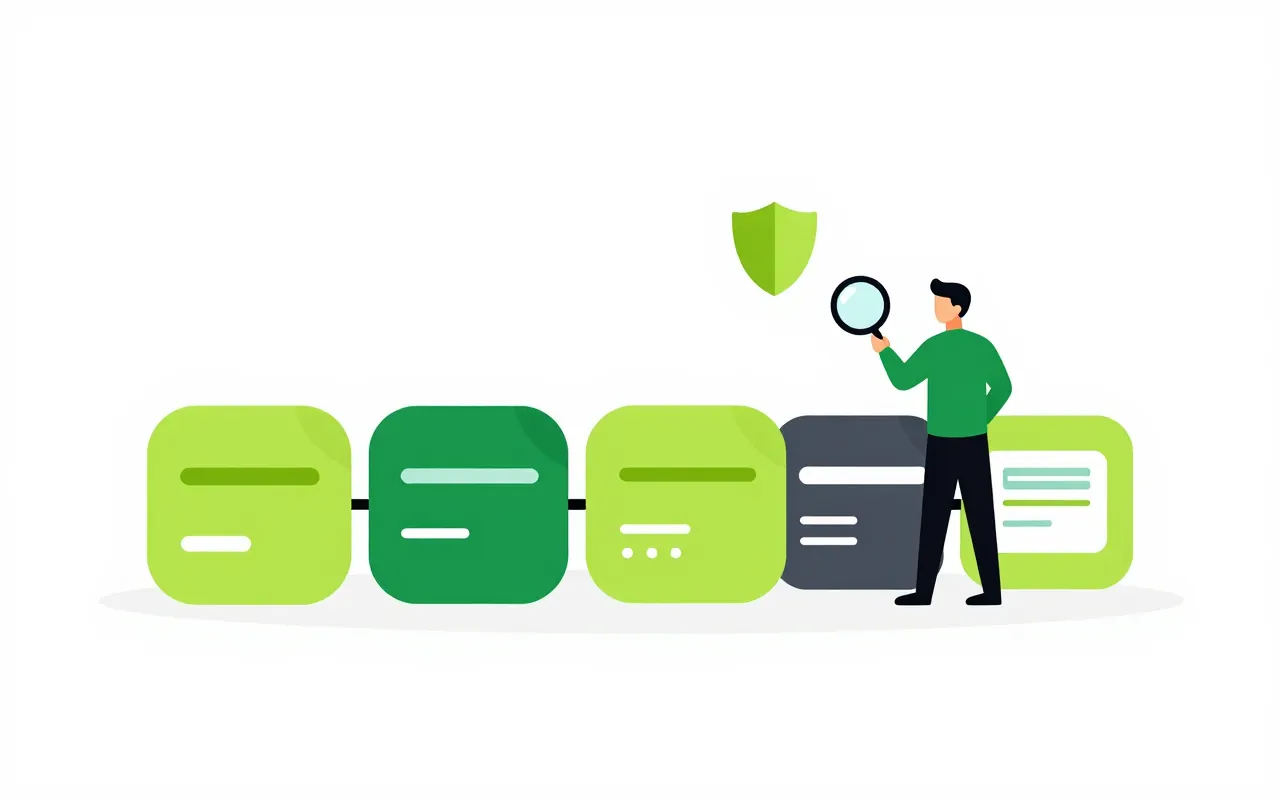
Each event is numbered and hash-linked to the one before. Every day the system signs a checkpoint and sends it by email. When an inspector or external auditor asks, the company exports an evidence pack the recipient can verify independently.

  • Integrity check right on screen
  • Daily signed checkpoint
  • Evidence packs for inspectors and auditors

Retention, alerts and openness with staff

Admins set retention per event class and place legal holds during a dispute. Alerts fire when someone bulk-exports data or changes admin rights. Employees open My activity to see their own actions and who has viewed their records.

  • Retention periods and scoped legal holds
  • Alerts on sensitive actions
  • Stream a copy to your SIEM
Can a system administrator read salaries in the trail?

No. Tenant administration does not include revealing masked values. That needs a separate sensitive-read permission, and every reveal is logged.

Are the AI assistant's actions logged?

Yes. Actions taken by the assistant are recorded as the assistant's, on behalf of the person who confirmed them. When the support team needs to read the trail, your company approves a specific time window and that reading is logged too.

What happens to the trail when personal data must be erased?

Personal values in the trail are encrypted per person. Erasure destroys that person's key, so those values become unreadable while the chain still verifies.

Book a demo

Leave your details and we will call you within one working day to set a time. The demo takes about 30 minutes and focuses on the departments you care about.

  • A demo on your own processes
  • Advice on cloud or your own servers
  • A quote based on your user count

Or email us: [email protected]

Fields marked * are required.