Z-Studio

Small internal apps built on your own data and processes

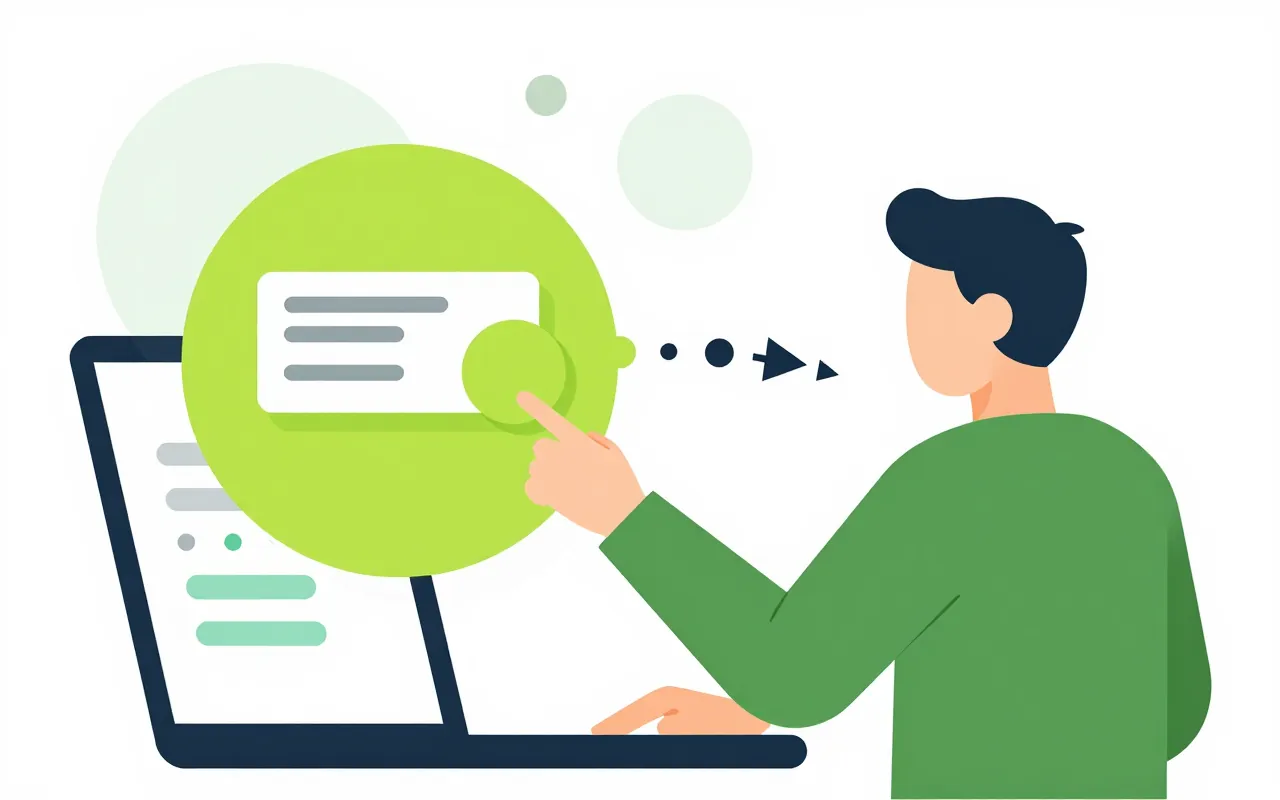
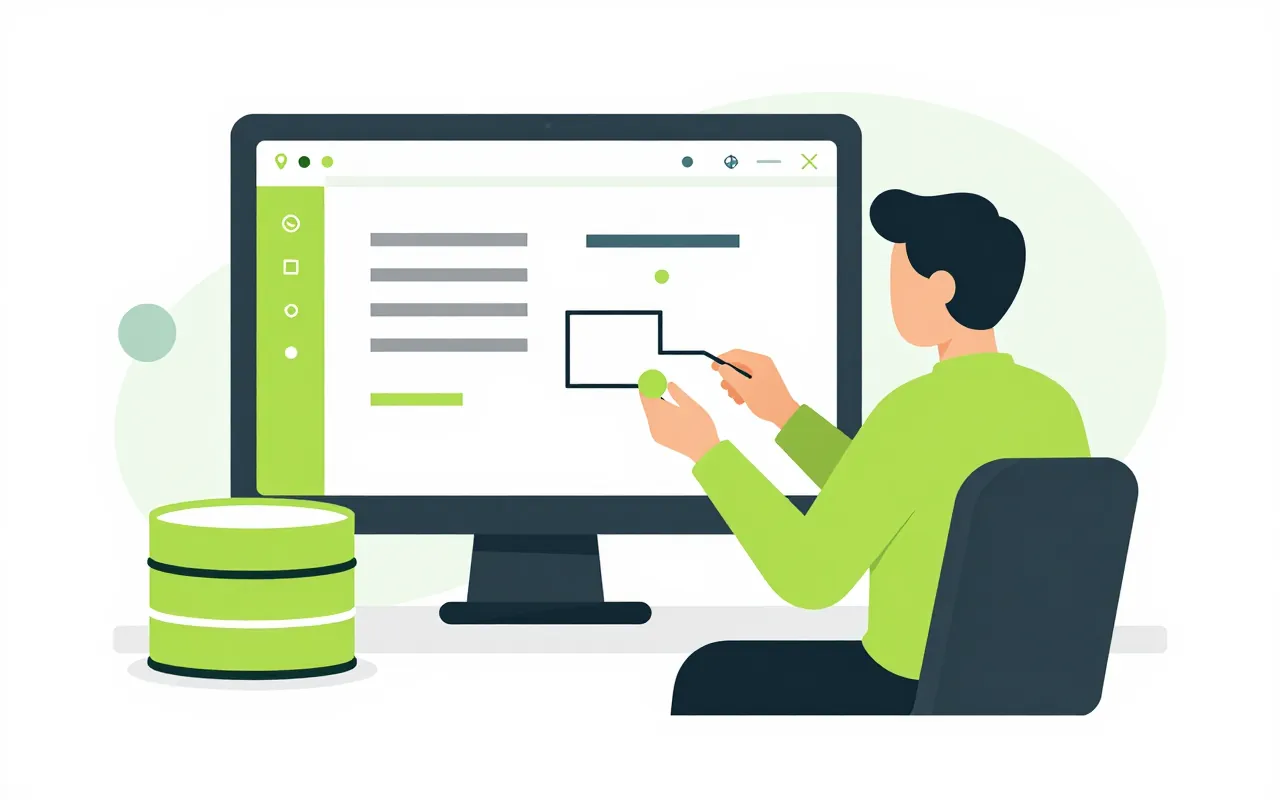
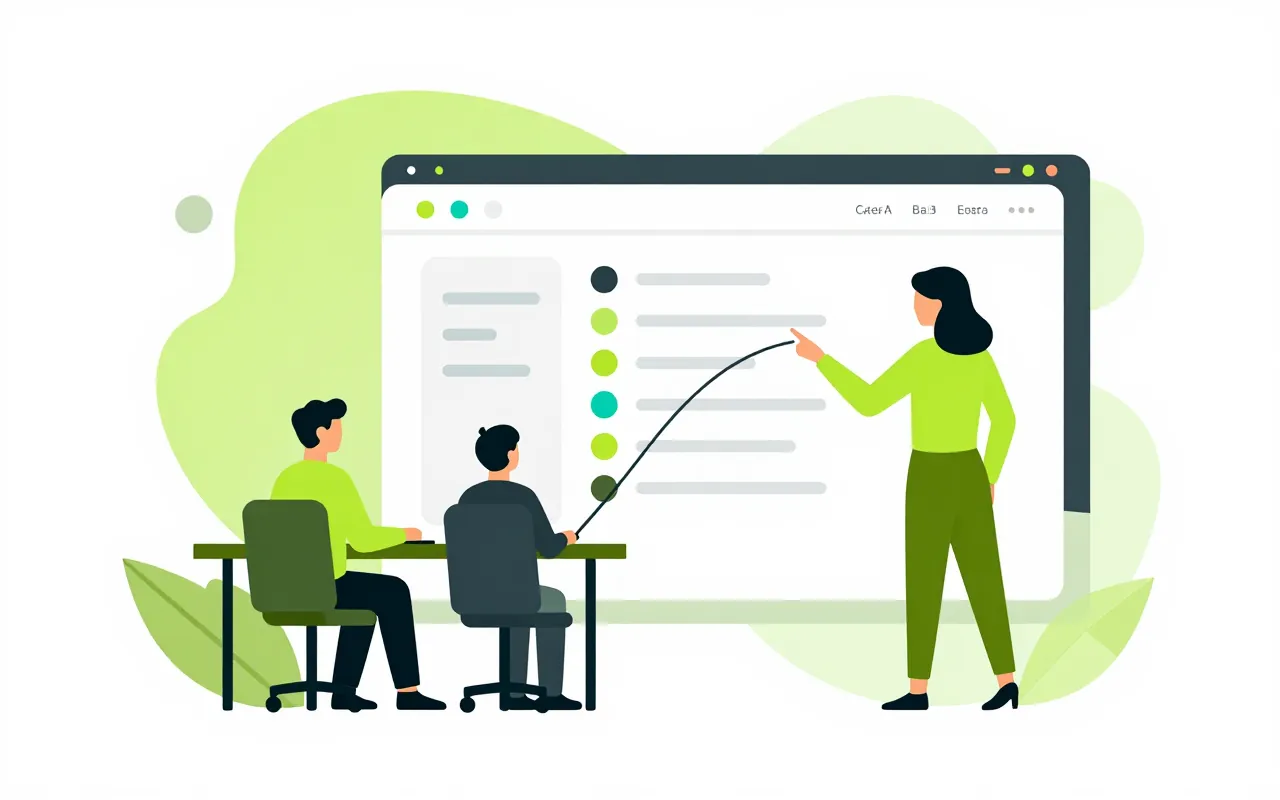
The admin office needs a page to look up suppliers, with a button to file a purchase request. IT builds it in Z-Studio, reads the list from Z Data and wires the button to an approval process. Once published, the app shows up in the menu of the people allowed to open it.

  • Data comes from Z Data
  • Buttons start processes
  • Only granted people can open it

Pages with data tables and buttons

An app is one or a few pages. Each page holds data tables, short instructions and buttons. Tables read only from datasets published in Z Data, and the system checks on save that the dataset exists.

  • Tables, text, buttons
  • Bound to published datasets
  • Configuration errors stopped at save
Every data change goes through a process

A button either starts a process or refreshes the data. To file a request or update a record, the user presses a button that runs an approval process designed in Process. The app never writes to the data store by itself, so each change has an approver and a trail.

  • Buttons start approval processes
  • No writes outside a process
  • Unknown actions refused at save and at run

Publish to the right people

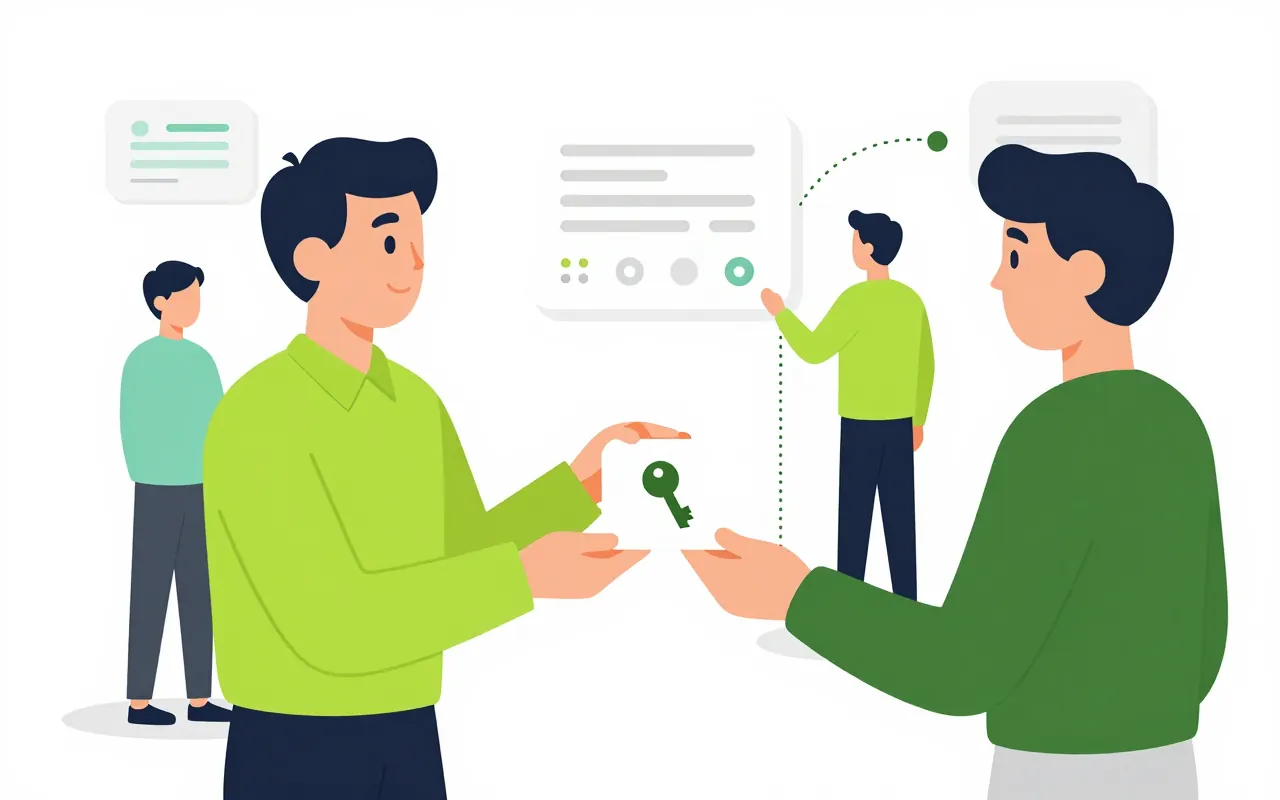
When publishing, the admin picks the roles or people allowed to open the app. It appears in their menu and nobody else sees it. Users always run the published version, and drafts can only be previewed by the designer.

  • Grant access by role or by person
  • Shows up in the Ziro Office menu
  • Drafts never reach users

Versions and audit trail

Every save creates a new version, and the running app is untouched until you publish again. Saves and publishes are written to the audit trail, so you know who changed the app and when.

  • Each save is a version
  • Republish when ready
  • Saves and publishes are logged
Can people who do not code use it?

People using an app need nothing extra. Building an app currently means editing a structured page definition, so it suits IT staff or people used to configuration. A visual drag-and-drop designer is not in this release.

How is Z-Studio different from Z Data?

Z Data holds tables and datasets. Z-Studio builds the screens where people view that data and press buttons that start processes. The two are usually used together.

Can app data leak to another company?

No. Apps, versions and access grants are kept separate per organisation. What an app shows comes through that organisation's own Z Data and processes.

Book a demo

Leave your details and we will call you within one working day to set a time. The demo takes about 30 minutes and focuses on the departments you care about.

  • A demo on your own processes
  • Advice on cloud or your own servers
  • A quote based on your user count

Or email us: [email protected]

Fields marked * are required.